Who Owns the Door? Networked Entry Systems and the Gap Between Facilities and IT
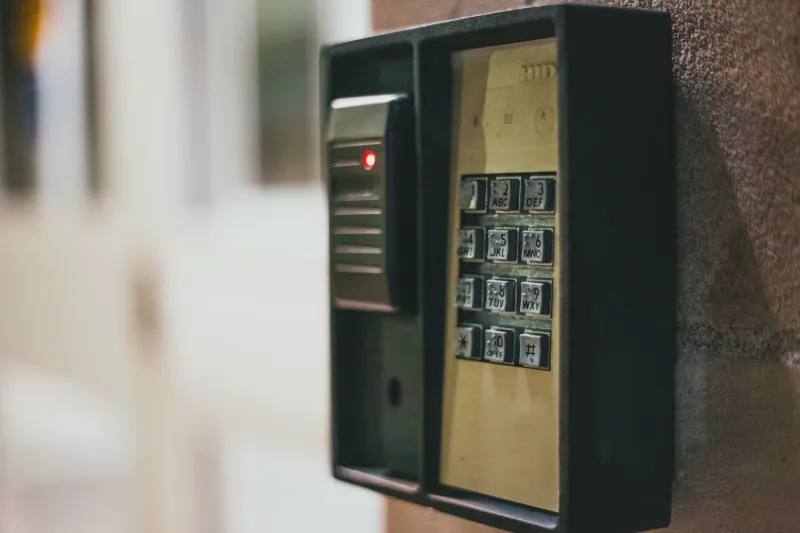
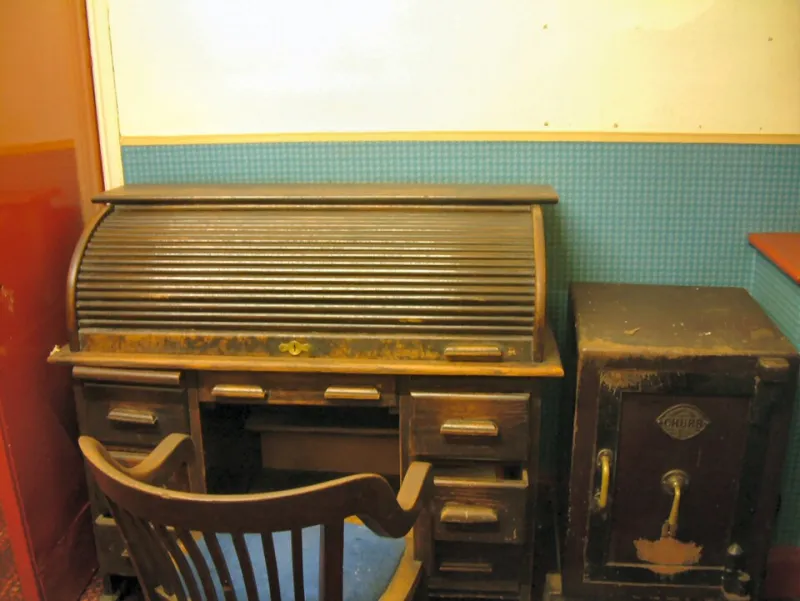
A door entry panel was once a simple thing: a button, a buzzer, a handset on a desk and a release button that made a solenoid click. It had no address, no account, no firmware and no opinion about the internet. The modern replacement is a different animal. A SIP door station with a camera, a network access controller and a cloud-managed entry app each contain a processor, an operating system, a login and a path onto the corporate network.
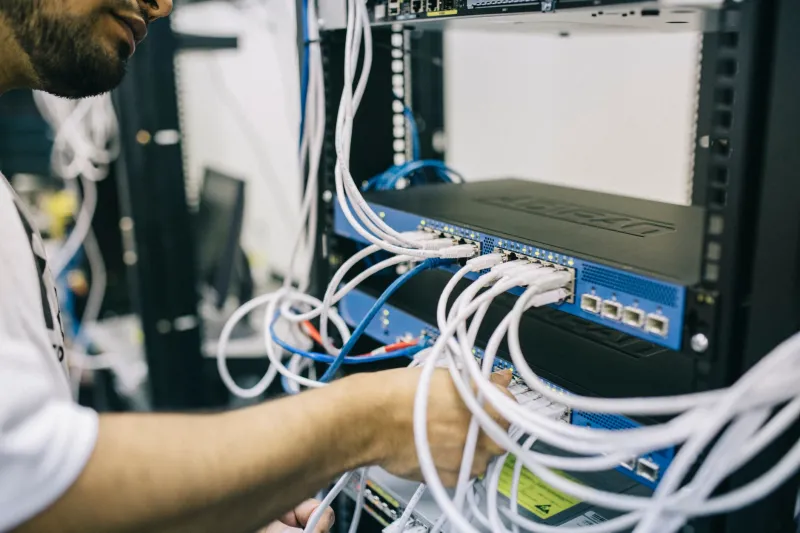
That change has not been matched by a change in ownership. Entry systems are still bought by facilities teams, specified by building contractors and signed off by whoever is managing the site. The IT function is frequently told about the installation after the cable has been pulled and the device is already asking the DHCP server for an address. The result, in many UK offices, is a networked device with a door release attached to it, sitting on the same flat network as the finance system and the file server, supported by nobody in particular.
A door that is also a computer
The category is broader than it first appears. It includes SIP video door stations at reception, IP intercoms on side entrances, networked access control panels, barriers and turnstiles with embedded controllers, and the cloud portals that increasingly sit behind all of them. Some are powered over Ethernet and run a small web server for configuration. Many expose an API. A growing number offer a mobile app that lets a member of staff release the door from a phone, anywhere.
Each of these is a small computer with an attack surface. The relevant question for a business owner or office manager is not whether the panel matches the door furniture, but whether anyone is treating it as networked IT with the same care as a laptop or a server.
Default credentials and installer shortcuts
Entry systems are installed by specialist contractors, often on a tight schedule, often on a site where the client is not present. It is common for devices to leave with a factory administrator password, a fixed maintenance account or a shared app login that the installer uses across every site they touch. The reasoning is practical — maintaining hundreds of separate credentials is burdensome — but the effect is that knowledge of one installation can compromise another.
The check is straightforward. Ask the installer to hand over a written record of every account on the device and the portal behind it, confirm that default credentials have been replaced, and confirm that individual named accounts exist for the staff who need access. Where the device supports it, multi-factor authentication on the administrative portal should be mandatory rather than optional.
One network, one flat risk
The most common mistake is placing a door entry device on the general office VLAN because it was the easiest port to reach. A compromised intercom on a flat network is not a door problem; it is a foothold inside the perimeter from which other systems can be probed.
Segmentation does not need to be elaborate. A separate VLAN for physical security devices, with firewall rules that permit the device to reach only the controller or cloud endpoints it genuinely needs, removes most of the exposure. Inbound access from the internet should not be enabled at all unless there is a documented business reason and a compensating control. Where the entry system is managed by a landlord or managing agent, the network design must be agreed in writing before installation, not after.
Firmware that nobody patches
Entry hardware often runs for a decade or more, and its software does not update itself reliably. Ask the supplier three questions before signing: how often firmware is released, whether updates can be scheduled centrally, and when the specific model reaches end of security support. A panel that will not receive security fixes after 2028 is a procurement decision in 2026, not a surprise for a future facilities manager.
It is also worth noting the regulatory backdrop. Under the Product Security and Telecommunications Infrastructure regime that came into force in 2024, manufacturers of connectable products sold in the UK are expected to meet baseline security requirements, including a ban on easily guessable default passwords. That helps at the point of purchase, but it does not remove the need for the buyer to configure the device properly once it is on site.
The cloud account on the other side of the door
Cloud-managed entry brings genuine benefits: remote release, audit trails, temporary access for contractors, integration with a visitor system. It also creates an account that outlives the employee. When a member of staff leaves, their mobile app credentials can remain valid long after their email account is closed, because the entry portal is not part of the joiners and leavers process.
Two habits close this gap. First, the entry system's user list should be included in the same access review that covers email and line-of-business applications. Second, the portal should be owned by a role rather than a person, so that a departure does not leave the account stranded with a former employee or an unmonitored shared mailbox.
Where responsibility actually sits
In leased and multi-tenant buildings, the entry system frequently sits in a contractual grey zone. The landlord may own the hardware, the tenant may provide the network connection, and a third-party managing agent may hold the administrative login. When something goes wrong, each party can reasonably point at the other two.
Resolving this is a paperwork exercise as much as a technical one. The lease, the service charge schedule and the IT support agreement should each be clear on who owns the device, who applies firmware updates, who holds administrative credentials, who responds to a security incident and who pays for replacement at end of life. Where video is recorded or call logs retained, the data protection position should be settled too, with a stated retention period and a named owner.
A practical hardening checklist
- Record every entry device, its model, its IP address, its firmware version and the portal that manages it.
- Replace all default and shared credentials; issue named accounts with multi-factor authentication where supported.
- Place entry devices on a dedicated VLAN with documented firewall rules.
- Disable remote inbound access unless there is a written business case and a compensating control.
- Agree a firmware update cadence with the supplier and record the end-of-support date.
- Add the entry portal to the joiners, movers and leavers process.
- Confirm who holds administrative rights in buildings where the landlord owns the hardware.
- Set and document a retention period for video and entry logs.
- Include the entry system in the disaster recovery plan, with a manual release procedure for when the network is down.
- Review the whole arrangement annually, alongside the wider connectivity estate.
The question to ask first
Before comparing quotations, ask a simpler question: who will patch this device, and who will be accountable when it is not patched? If the answer is unclear, the system is not yet ready to be connected — and a door that opens on request is only useful while it remains under proper control.